
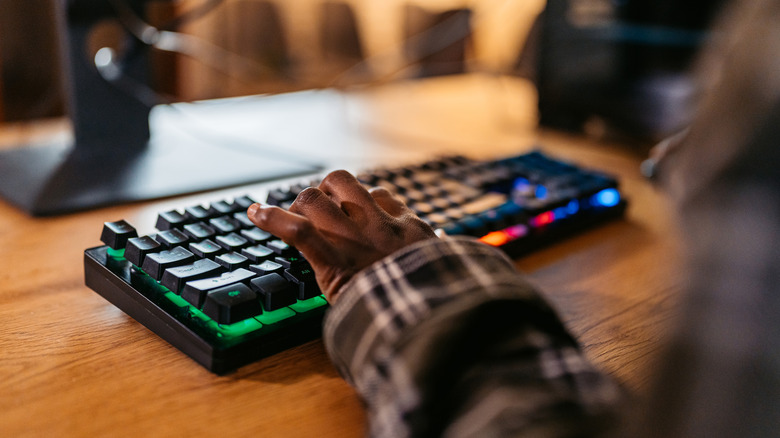
Urbazon/Getty Images
There’s no shortage of oddball gaming accessories that can provide a completely new way to play the games you love. Yet, some upgrades lack that panache but still certainly make a difference in how your gaming operates. For instance, something as simple as a desk mat can give your mouse extra real estate and make everything look a dash cooler. Same thing with buying a new keyboard — it unlocks a whole new vibe and feel.
However, many gamers get bogged down in the debate over whether mechanical or membrane keyboards are better. The type of click-clack absolutely matters, but you should also consider the form factor. So where to begin? Is there the best size keyboard for gaming?
Maybe the better question is which one is right for you. For example, a full-size keyboard (or 100%) is a solid pick if you’ll also use it for work and can’t live without the number pad. Since these models can be a bit bulky, something like the 1800 compact (96%) design compresses the layout but still keeps the numbery part. In case you feel the numpad is dead weight, the tenkeyless (TKL) offers a sleeker experience by completely dropping those extra keys. Options with fewer keys, like the 75% and 60%, are out there, too, but with those, it’s a matter of how much downsizing you can tolerate.
Quick guide to keyboard sizes
Daryadanik/Getty Images
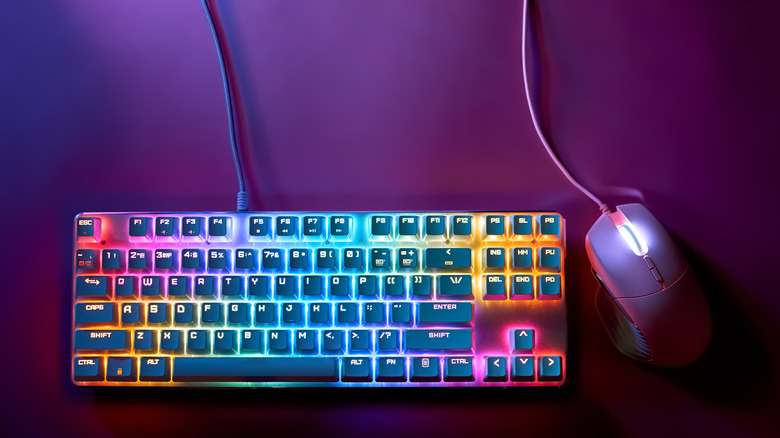
The full-size keyboard is an amazing all-rounder, especially if you’ll also use it for work. The versatility is cool, yet its sheer bulk is the tradeoff you’ll need to accept. Fortunately, you can get the same functionality in a more reasonably-sized package with an 1800 compact, which has nearly the same number of keys but brings all the key clusters closer together. It’s a solid workaround for many, but some people may find it too cramped.
True fun begins once you go for models that say goodbye to the numpad. The TKL may be the best size keyboard for gaming if you don’t need a numeric keypad. With the meat of the keyboard nearly identical to the full-sized one, it’s a safe bet for most gamers, especially because you still have the arrow and function keys. You can go even more compact than that with the 75%, which is a bit like TKL’s younger brother and retains most functions within a tighter package. Keep in mind that it will take some time to adjust to, as the space bar is smaller and the arrow keys are moved to the left.
The sacrifices are clearer once you go down to the 65% keyboard that axes the row of function keys. While this is good for portability, the keyboard is impractical for work and has a significant learning curve. Same with the 60% design that takes things to the extreme by doing away with the arrow keys. Though there might be plenty of variations in quality depending on the manufacturer, you can get some amazing mechanical keyboards at every budget (and at every size), and they all look quite sweet and ooze quality.